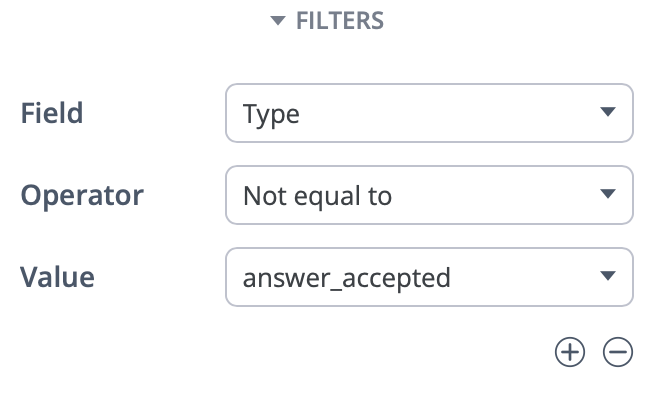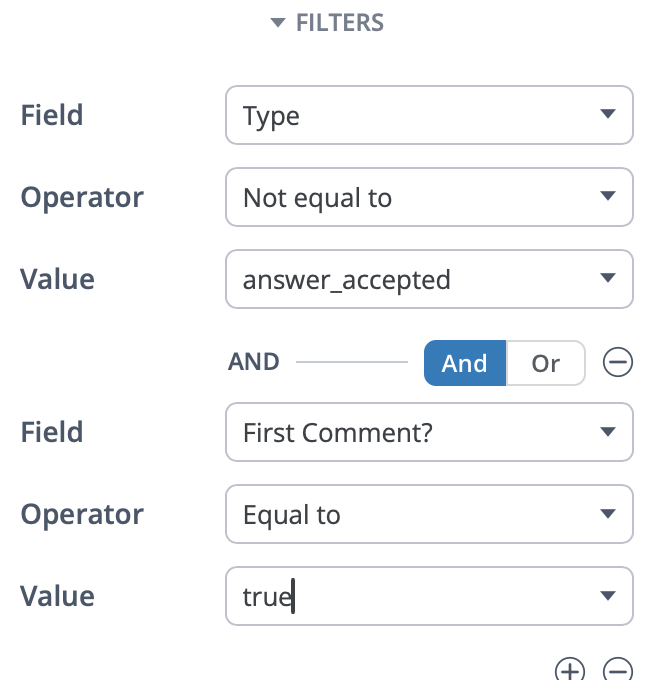
The ever-relatable problem: Questions are getting answered… but they’re not always getting marked as answered.
At first, that feels like a small thing. But if the goal is to build a self-sustaining community ecosystem, it has a real impact - especially if you care about ticket deflection, search/GEO success, and whether your community is actually reducing pressure on your support team. When answers aren’t clearly marked as The Solution, users hesitate. They keep searching, they second-guess The Solution, or they give up and open a ticket anyway.
What this little #TipTuesday is going to touch up are things you can do within your Vanilla community to solve this problem - and how you can do it without chasing users or adding busywork for your moderation teams.
Question Resolution Matters
When a question isn’t marked as answered, a few subtle things start to happen. Other members don’t fully trust the reply, even if it’s correct. Search results feel less decisive. And for users who just want to solve a problem and move on, that uncertainty is often enough to push them toward your support queue instead of self-serve.
Resolved questions in a community are one of the clearest indicators that peer-to-peer support is actually working. Over time, communities with higher resolution rates tend to see fewer repeat questions and fewer escalations - not because people stop asking for help, but because answers become easier to find and trust.
Getting A Baseline
Before trying to improve resolution, it helps to know where you stand today.
A simple way to do this is to navigate to this endpoint in your community: /discussions/unanswered/ and just going down the list to see what is marked as 'Accepted' and what is just marked as 'Answered' (or the dreaded 'Unanswered'). We're mostly interested in any question that doesn't have an 'Accepted' status yet.
Digging into this a bit can surprise you. Certain product areas or question types resolve cleanly, while others lag behind. That’s useful - it tells you exactly where small changes will have the biggest payoff.
Encourage Resolution (without friction)
This is where a lot of people hesitate. Nobody wants to nag users or send awkward reminders to mark answers.
You don’t have to. Vanilla has Q&A follow-up email notifications that gently handle this for you. Once enabled, these emails automatically go out when a user’s question has received replies but hasn’t been marked as answered yet.
You can turn this on in Dashboard → Settings → Addons, and then edit the settings next to the Q&A addon (/settings/qna).
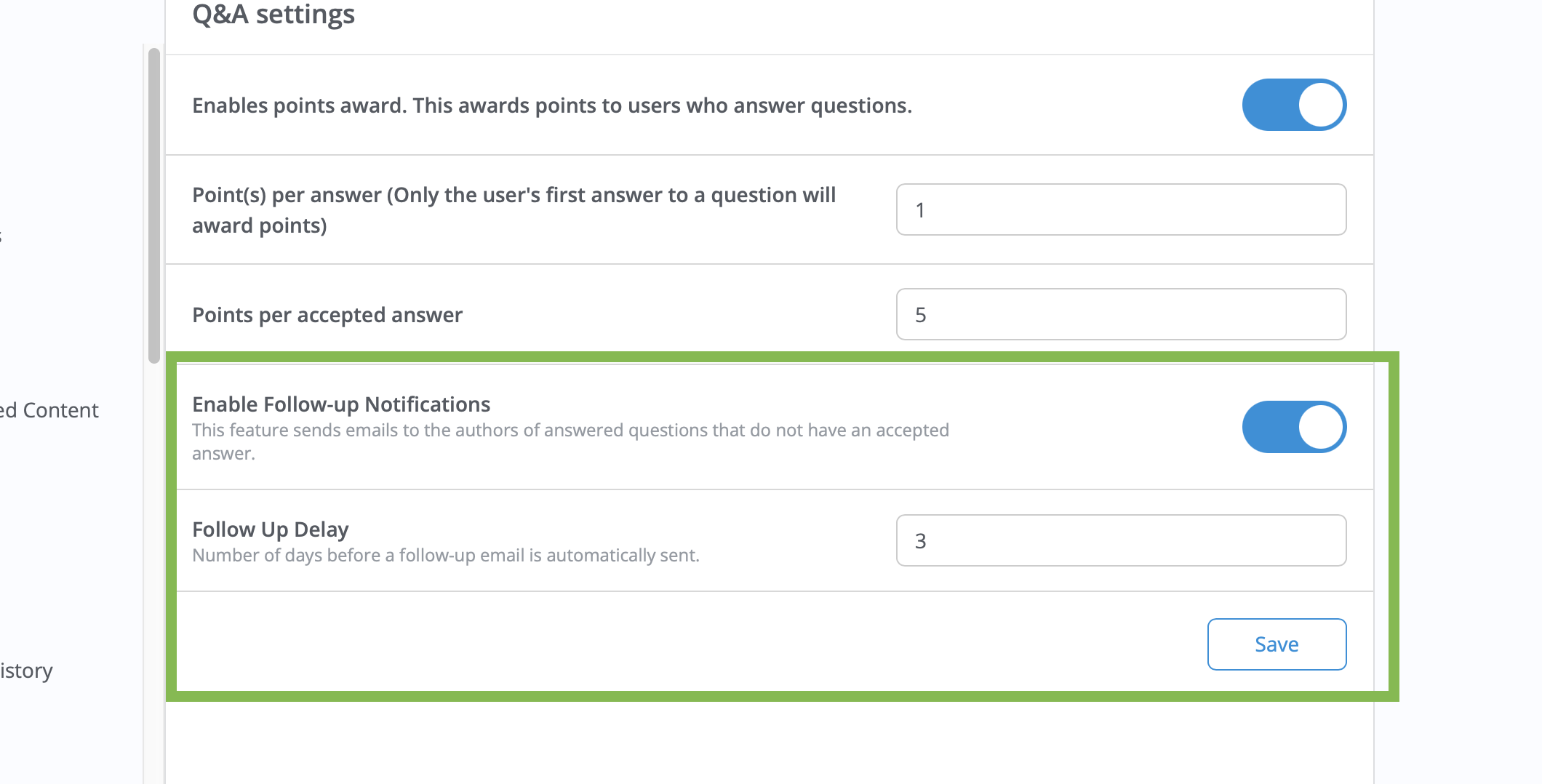
The timing and tone matter here. These emails arrive when an answer already exists and are framed as a helpful check-in, not a scolding. For a lot of communities, simply enabling this feature leads to noticeably better resolution rates within a few weeks. It’s one of those “set it and forget it” changes that quietly improves outcomes.
When Staff Step In
Another thing worth calling out - especially for newer community managers - is that you don’t always need to wait for the original poster to mark an answer.
If it’s clear a question has been solved, moderators and community managers can accept an answer on the user’s behalf. This is particularly helpful when the original poster never comes back, when new users don’t realize they should mark answers, or when a high-visibility thread should clearly show as resolved for future readers.
You’re not answering for the user - you’re closing the loop based on what’s already there. When you’re reviewing questions in the admin and see one that’s clearly resolved, accepting the answer takes seconds and makes that thread far more valuable to everyone who finds it later.
Recognizing Good Answers
Marking an answer as accepted isn’t just cleanup - it’s recognition.
Accepted answers often trigger points, badges, or movement on leaderboards, which reinforces helpful behavior. But there’s also room to go beyond the automated rewards. When you notice consistently strong answers - especially from quieter experts who aren’t chasing visibility - calling that out can make a big difference.
Highlighting an answer in a newsletter, starting a short discussion that showcases a great troubleshooting example, or even sending a quick thank-you message helps reinforce that quality matters. When others see that behavior recognized, they’re more likely to emulate it.
Tying to Ticket Deflection and ROI
From a support perspective, resolved questions do more than help the person who asked them.
They show up more confidently in search. They reduce duplicate questions (which can clutter up a community). They give future users a clear stopping point - this Solution solved the problem. And over time, they build trust that the community can actually answer real issues.
If you’ve ever used the Vanilla ROI Calculator (/analytics/v2/dashboards/roi-roi), this is exactly the behavior it assumes. Users find answers in the community instead of opening tickets, and support teams spend less time handling repeat issues. Improving resolution rates makes those ROI projections much more realistic.
To the outside world, questions with accepted answers get a specific structured data assignment (QAPage with the accepted answer comment clearly marked) which is absolute gold for the purposes of GEO. AI Bots remember the sites that are easy to browse for answers.
Building The Habit
You don’t need to aim for perfect resolution to see results. Even small, consistent improvements (especially in high-volume categories) add up quickly.
The communities that see the most progress usually do a few simple things well: they establish a baseline, enable Q&A follow-up emails, let staff model good behavior by accepting answers when appropriate, and make a habit of reviewing unresolved questions during regular health checks.
None of this requires heavy moderation. It’s not about enforcing rules—it’s about building a rhythm that helps your community support itself.

The Big Picture
For enterprise communities, question resolution is a real maturity signal. It shows when a community is moving beyond conversation and into scalable, peer-led support.
And when that happens, the payoff isn’t just better engagement. It’s fewer tickets, faster answers, and a support organization that can focus on what truly needs human attention.